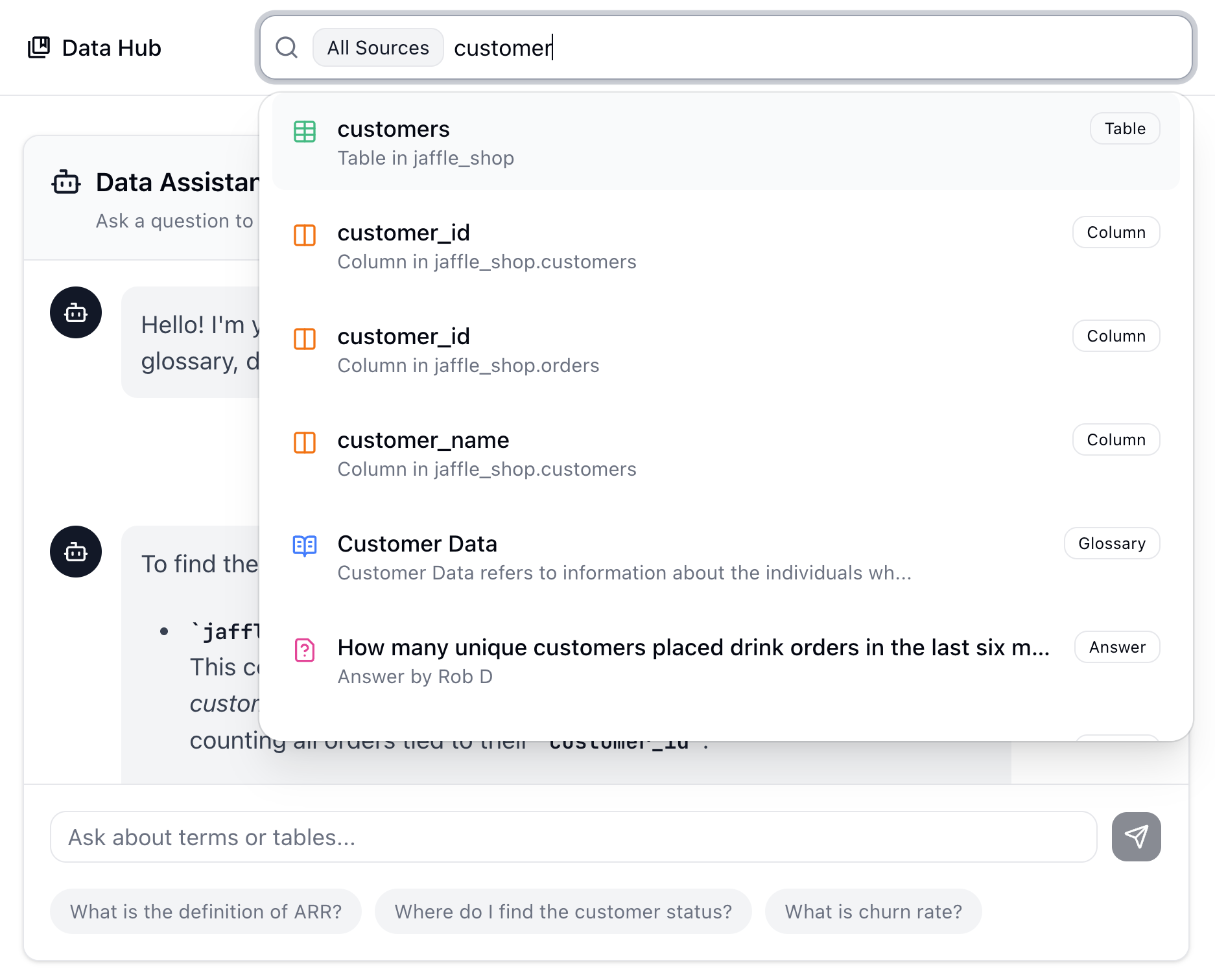
Search or chat to find data fast.

Find where data lives, understand the context, and get the next best step—whether it's in your database, Sigma, or Retool.

Slack Ask

Where do I find the activation date for a customer?

Find
You can find the activation date for a customer in the activation_date column in the Customers table. The New Customers Sigma dashboard shows customers in the last 30 days by activation_date and the Customer Activation Date saved answer gives the activiation date for a specified customer.
activation_date
Sigma New Customers
Answer Saved Answer
Understand

activation_date

This is the date when the customer completed the onboarding flow and made their first payment.

Microsoft Teams Ask

I need to find the activation date for Alice Smith.

Find
Click the answer card below to see the activation_date and other details for this customer. If you're looking for multiple New Customers in the past 30 days, you may find the New Customers app in Retool useful.
 
activation_date
Retool New Customers
Answer Saved Answer
Understand

activation_date

This is the date when the customer completed the onboarding flow and made their first payment.
Great for when you need to...

Get Fast Answers

You need to find data quickly but don’t know where to start.

Find Existing Resources

You want to find the dashboard/app that already answers the question.

Understand Context

You want to make sure you understand the business use of the data.

We Work, Where You Work

Ask questions from Slack, Microsoft Teams, runQL, or our Chrome extension. Wherever you work from, runQL points you to the right data, resource, and context. Prefer to search over chat? Search works too.

Find Data with runQL

Instant Definitions

Ask questions like "Where do I find lifetime amounts for customers?" and get immediate results with field names, definitions, and links to related resources.

Where do I find lifetime amounts for customers?
User
runQL

You can find lifetime amounts at the customer level in the jaffle_shop.customers table.

Key columns to use:

  • jaffle_shop.customers.lifetime_spend: total gross lifetime spend including taxes (product + tax).
  • jaffle_shop.customers.lifetime_spend_pretax: total lifetime spend excluding taxes (sum of product costs only).
  • jaffle_shop.customers.lifetime_tax_paid: total sales tax the customer has paid across all orders.
  • (Related) jaffle_shop.customers.count_lifetime_orders: total number of orders a customer has placed.

If instead you need to build lifetime amounts from order-level data, you'd start from jaffle_shop.orders (e.g., order_total_cents and tax_paid_cents), but the dedicated lifetime rollups are already provided in jaffle_shop.customers.

Related features

Find answers instantly.